
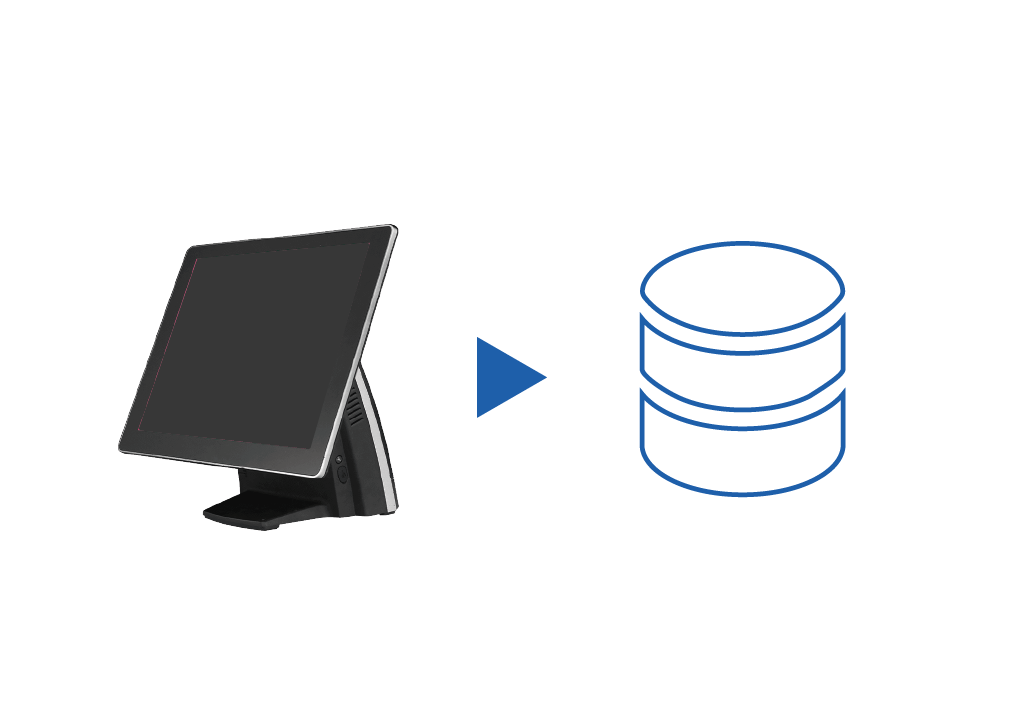
POS integration
Automatically import every in-store sale from your POS so teams do not have to export or upload sales data manually.
English · Argentina
Language and market
Read every ticket and invoice from your POS, then send that sales data to accounting, stock management, business intelligence, and analytics platforms.
Stop exporting sales data manually from the POS and uploading it into inventory, accounting, analytics, or reporting systems. Data Sync extracts POS sales data and delivers it where each team needs it, reducing errors and preparing the operation for electronic invoicing workflows.
Automatically import every in-store sale from your POS so teams do not have to export or upload sales data manually.
Integrate with your accounting platform to send the relevant sales data automatically.
Update your inventory management system automatically with sales data from your POS.
Export sales data smoothly into BI tools for deeper analysis without manual file handling.
Enable deeper analysis by connecting point-of-sale data to the analytics systems that need it.
Data Sync ships two modes. Standard is the connector plumbing — POS, accounting, BI and marketplaces stay reconciled automatically, billed per active connection. The AI tier adds the Inventory Agent (drafts stock movement adjustments when sync detects a mismatch), Chat (questions about marketplace settlements, accounting deltas, stock reconciliation against the POS) and MCP (sync status, export and reconciliation tools partners can plug into their dashboards).
The team works this product by hand from:
Data Sync is configured and monitored from Dashboard. Work App and Rider App don't surface sync directly — they consume the same connected data underneath.
Configure a setup, see what each tier includes, and compare every Sinqro solution side by side.